

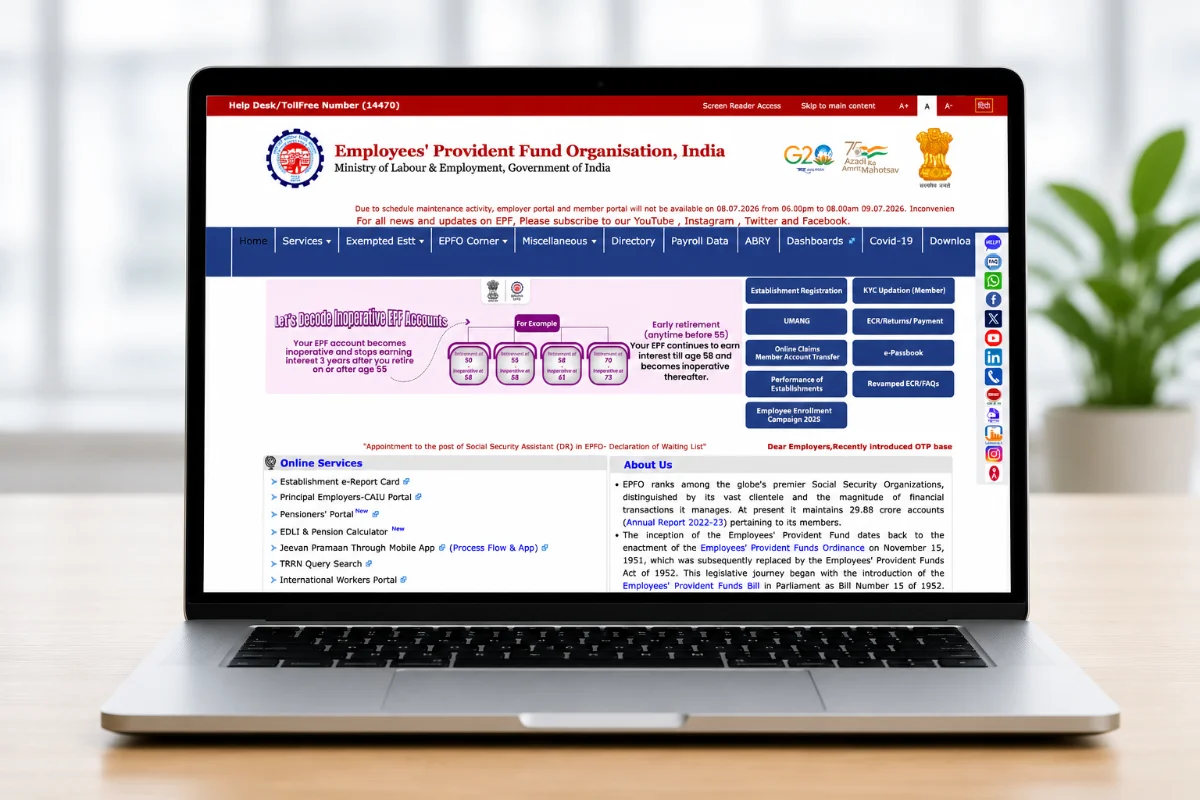
Switching jobs no longer means chasing paperwork to move your Provident Fund (PF) balance. The Employees’ Provident Fund Organisation (EPFO) has now enabled two distinct routes for members to consolidate their PF accounts an automatic transfer system for eligible members, and a manual online request for everyone else. Here’s a complete breakdown of both methods and how to use them.
Why PF Transfer Matters
Every time an employee switches jobs, a new PF account gets opened under the same Universal Account Number (UAN). If these accounts aren’t merged, an employee’s service history gets broken across multiple employers. This matters because EPF transfer carries forward service history from the previous employer, which is important for the five-year continuous service rule, and withdrawing before completing five years of continuous service can make the amount taxable. Consolidating accounts also makes it easier to track contributions and avoid inactive PF accounts piling up over a career.
Method 1: Automatic PF Transfer
EPFO’s shift to its new Centralised IT Enabled Services (CITES) platform has enabled auto-transfers for a large section of members. Under this system, PF balances move automatically to the new account when an employee joins another organisation, removing the need to submit a separate transfer request.
Conditions for auto-transfer to work:
- Aadhaar and bank details must be linked, KYC records must be fully updated, and the date of exit from the previous employer must be recorded in the system
- Both the old and new employers must be digitally registered with the EPFO
- Once the new employer credits the first month’s PF contribution, EPFO can automatically generate a transfer request to move the balance from the previous employer to the new one
What you need to do: Nothing, if you meet the above conditions. Simply log in to the EPFO Unified Member Portal with UAN credentials and check the Service History section after OTP verification to confirm your balance and tenure have merged correctly.
Method 2: Manual Transfer via Form 13
If auto-transfer doesn’t apply to your case — say your KYC isn’t fully updated, or the balance hasn’t moved even after a couple of contribution cycles — you’ll need to file a manual transfer request using Form 13 through the “One Member – One EPF Account” facility.
Step-by-Step Process
- Log in to the EPFO Member Portal using your UAN and password.
- Go to Online Services in the top menu and select “One Member – One EPF Account (Transfer Request).”
- Verify your details — check your personal information and current PF account, then click “Get Details” to pull up your previous employment records.
- Choose an employer for attestation — you can select either your previous or current employer, whichever has an active authorised signatory (DSC) available, to speed up approval.
- Generate and enter OTP sent to your UAN-registered mobile number for verification.
- Mark the declaration box and submit the request.
- The selected employer reviews and approves the request on the portal.
- Once approved, EPFO processes the claim and transfers the balance from the old PF account into the current one.
- Track your request anytime via “Track Claim Status” on the portal or through the UMANG app; updates are also sent by SMS.
Before You File Form 13, Make Sure:
- Your UAN is active and Aadhaar-linked
- Your bank account is seeded and verified against your UAN
- Both employers’ PF account details are present in the EPFO database
- Only one transfer request is allowed per previous Member ID, so details need to be accurate the first time
If You Have Two Different UANs
Some older employees may end up with two separate UANs instead of one continuous number. In such cases, the accounts cannot be merged online directly — the latest UAN must be retained and the old one closed by emailing uanepf@epfindia.gov.in with both UAN numbers and identity details. Once EPFO verifies and blocks the old UAN, a fresh Form 13 transfer request has to be filed to move that balance into the active UAN.
How Long Does It Take?
The official EPFO timeline is around 20 days, though in practice transfers often take two to three weeks once the employer attests and the source office approves.
Is PF Transfer Taxable?
No. Since a PF transfer moves money between an employee’s own accounts rather than counting as a withdrawal, it is completely tax-free and no TDS is deducted.
Bottom Line
With EPFO’s CITES-driven automatic transfer system now live alongside the existing Form 13 route, most employees with Aadhaar-linked, fully KYC-verified UANs should see their PF balances merge without lifting a finger. Those with older or unlinked accounts, however, will still need to actively raise a transfer request and should do so promptly rather than waiting until retirement, when untangling multiple scattered accounts becomes far more complicated.