

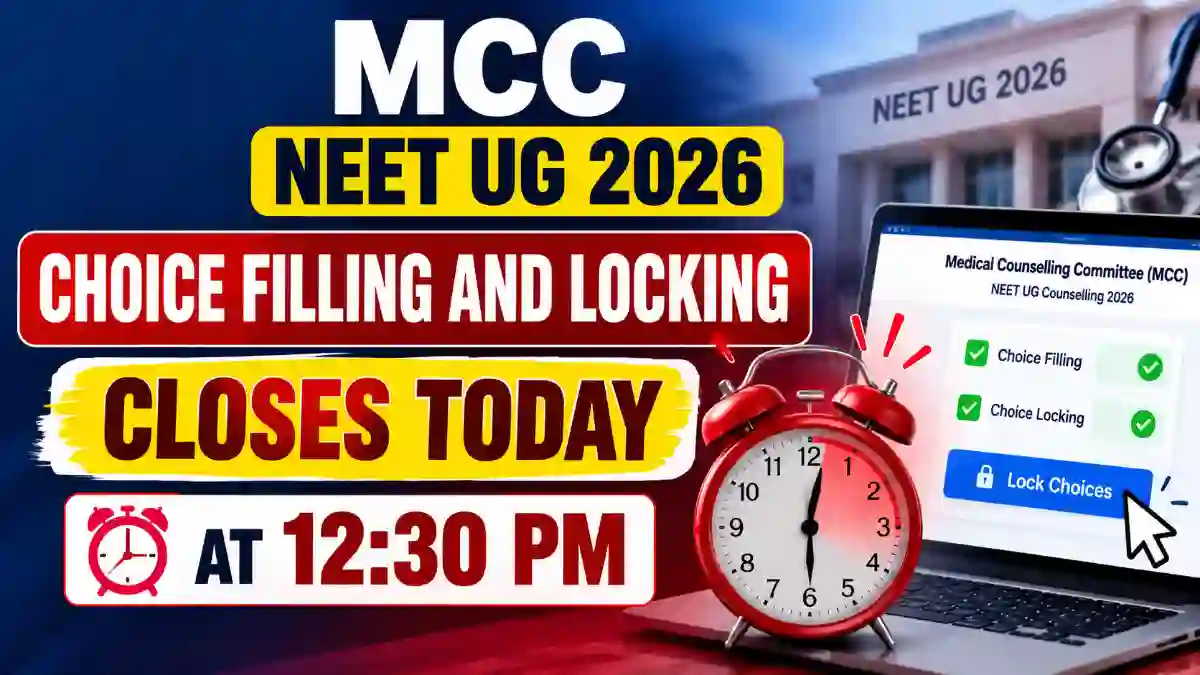
The Medical Counselling Committee (MCC) has posted a notice in the Latest News section of its UG Medical Counselling page on mcc.nic.in. The notice states that the choice filling and choice locking facility will be available only till the time given below. The portal will not accept choices after the deadline.
| Particulars | Details |
| Conducting Authority | Medical Counselling Committee (MCC) |
| Counselling | UG Medical Counselling 2026 |
| Activity | Choice Filling and Choice Locking |
| Last Date | 17 October 2026 (Saturday) |
| Last Time | 12:30 PM |
| Official Website | mcc.nic.in |
Why Choice Locking Is Important
- Only locked choices are considered for the seat allotment process.
- Candidates who fill choices but do not lock them risk being left out of the allotment.
- Seats are allotted according to the order of preferences saved by the candidate and their rank.
- Choices cannot be changed once the window closes.
Steps to Fill and Lock Choices
- Go to the official MCC website, mcc.nic.in.
- Open the UG Medical Counselling section.
- Log in using your registration credentials.
- Select the choice filling option and add colleges and courses in your order of preference.
- Check the list once more and click on the choice locking option.
- Save or print the locked choices for future reference.
Points for Candidates to Remember
- Complete the process well before 12:30 PM, as heavy traffic can slow down the portal.
- Keep your login details ready.
- Review the order of choices carefully before locking.
- Download a copy of the locked choices.
- Follow only the official MCC website for notices and updates.